One home for your data
Using disparate platforms can lead to data quality and process issues. CloverDX is all you need.
The integrated platform allows you to keep a closer eye on your data efforts, ensure high quality, and limit rogue data practices. From a commercial perspective, it also simplifies scalability and cost predictability.

Automation-first to streamline data operations
Do your IT teams frequently handle repetitive data jobs? Consider error handling or file migrations; both of these processes are important, but they eat up time.
Automation is key to streamlining and improving your data operations. CloverDX’s automated features save you time, mitigate stress, and guarantee better data quality and trust.
Designed to boost productivity
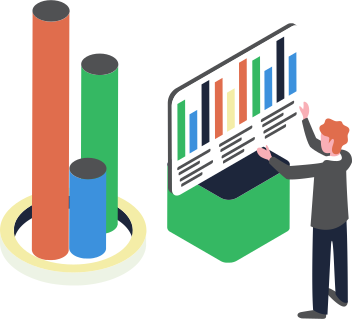
Data is the key to unlocking useful insights and boosting your organization’s competitiveness. So, the faster you can work with it, the better.
CloverDX is intuitive and extensive. The platform provides a highly visual design alongside robust coding features and assists. This empowers your team to code complex data solutions simply and at speed.

Design
Conduct powerful transformations to get the most value out of your data.
Streamline tedious data processes with reusable templates.
Code effortlessly in a visual environment, and benefit from instant debugging and code assists.
Automate
Integrate seamlessly with your other systems.
Automate time-consuming and repetitive tasks, such as error handling, data validation, and file movement.
Buy back more time with robust and repeatable workflows.
Operate
Fit for every diverse IT environment - host in the cloud, on-premise, or both.
Scale alongside your changing data needs with an easy unit-based subscription model.
Rest assured your data is safe with a security-audited codebase.

Publish
Deliver your high-quality data to your destination of choice, including data apps, databases, data services, and the CloverDX Data Catalog.
Conduct reverse ETL jobs.
Connect easily to REST APIs and SOAP web services.
Cloud
Transition your workloads to a cloud service of your choice or combine infrastructure for hybrid deployments.
On-premise
Run CloverDX in a wide range of on premise environments, including bare metal, VMs, Linux/Windows/Mac or deploy in containers.
Get under the hood of CloverDX
See how CloverDX can benefit your business with a live demo. Simply get in touch with our team and we’ll handle the rest.
